The rider flow, operator view, and core product details in one place.
This page gathers the detailed product story so the landing page can stay focused while the actual system flow remains fully explained.
Loading route story
For bus companies
Run the fleet from one dashboard.
Everything operational lives at the operator dashboard — no spreadsheets, no phone calls to find a bus.
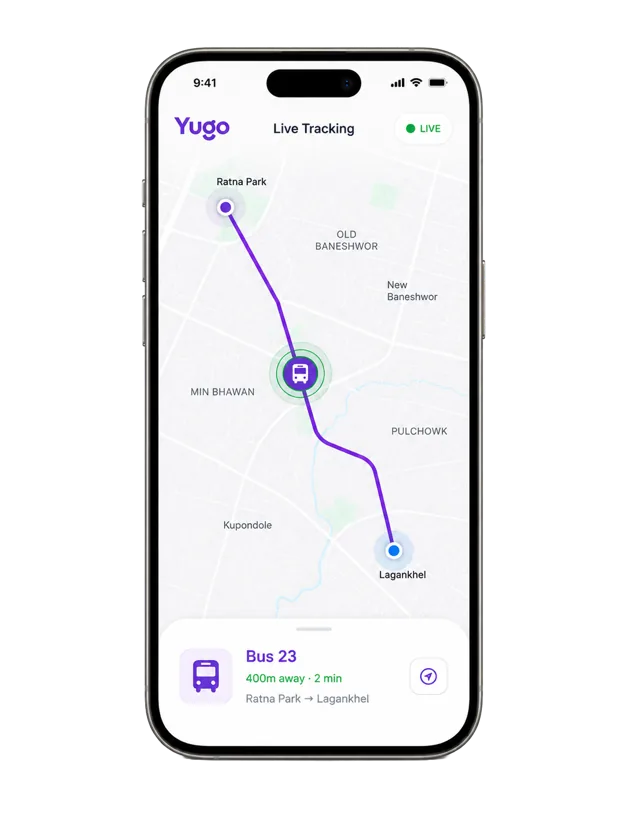
Open Dashboard- ✓Real-time fleet GPS positions
- ✓Route and stop management
- ✓Fare rate configuration
- ✓Trip audit logs and revenue reports
- ✓Field trial evaluation metrics
Common questions.
- How do I pay for a ride?
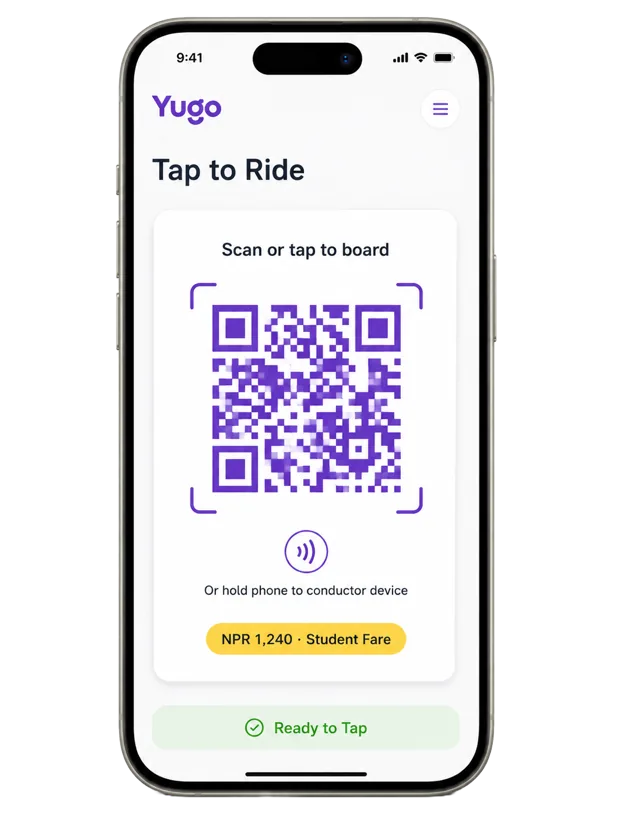
- Tap your Yugo card or scan the QR code in the app when you board. The fare comes out of your wallet, which you can top up with Khalti.
- What happens when there is no internet?
- Taps keep working. The app carries signed fare tokens that the conductor's reader verifies offline, and everything syncs once the bus is back online.
- How are fares calculated?
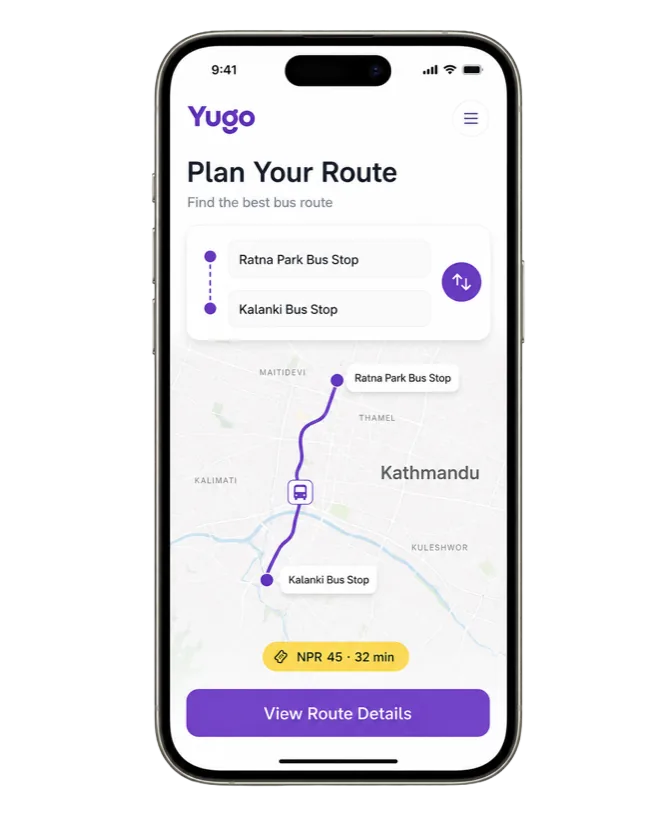
- Flat-fare routes charge the full fare at tap-in. Distance-based routes place a small hold when you board and charge the exact fare when you tap out.
- Are there discounted fares?
- Yes. Student, elderly, and disabled fare categories are built into the system and apply automatically to verified accounts.
- Which buses can I ride?
- Buses on registered Yugo routes across the Kathmandu valley. Routes are fixed, buses run continuously, and you can board or alight at any stop.
- I run a bus company. How do I join?
- Fleet, route, fare, and revenue management all live in the operator dashboard. Sign in or reach out through the dashboard's contact page.
Reliability before theater.
Signed fare flows, offline verification, and a narrow operational surface. That is the whole story here.
<= 0ms
NFC tap end-to-end latency (p95)
>= 0%
Offline sync success rate